
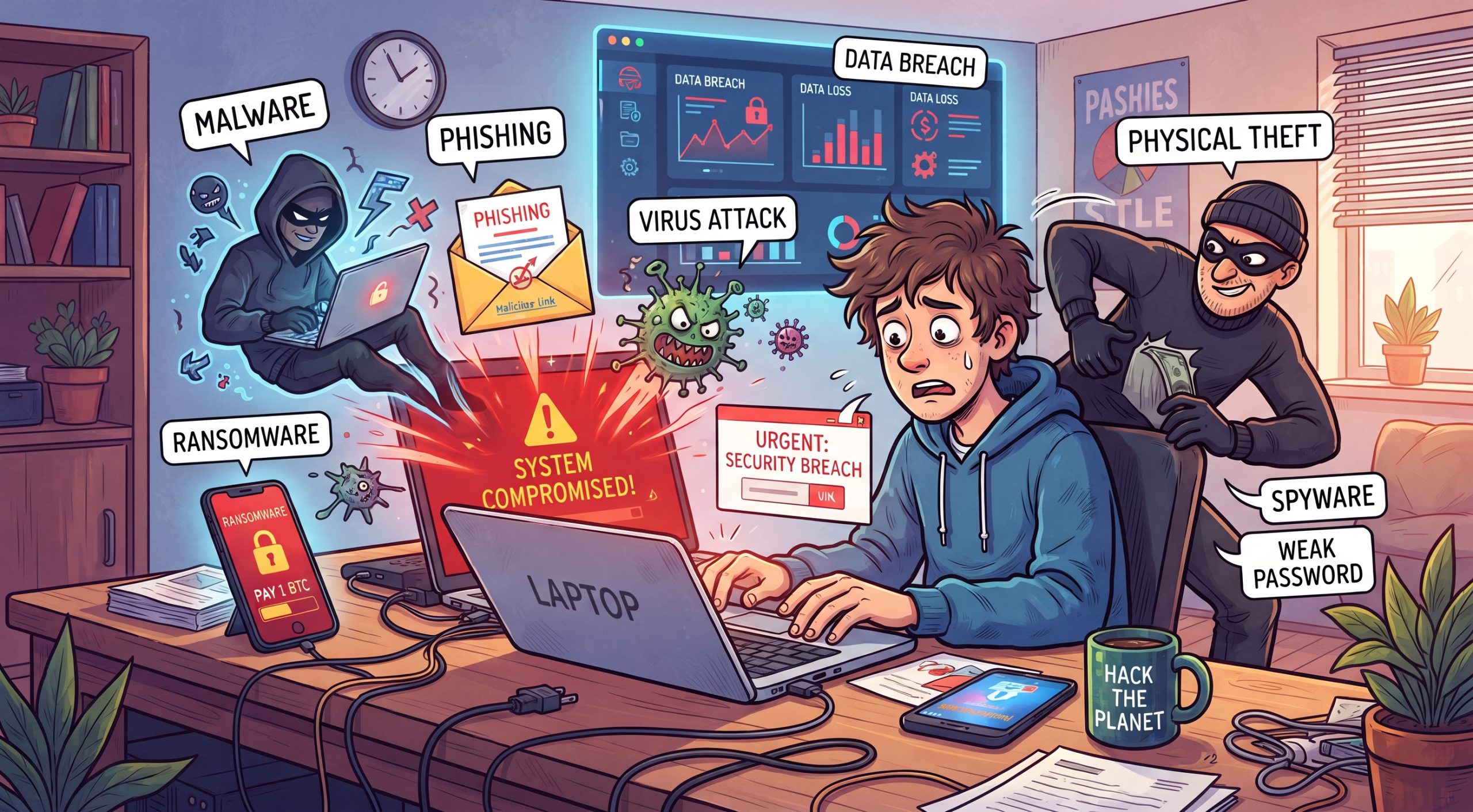
Using an AI application on a personal computer presents several key security, privacy, and performance risks, especially when dealing with cloud-connected or local AI models.
Key Risks
- Excessive System Permissions: Local AI software or desktop assistants may request broad permissions to read your local files, monitor your clipboard, track your browsing history, or execute automated operating system commands. If compromised, this grants deep access to your machine. [1]
- Unintentional Command Execution: Advanced AI tools with system control ("Computer Use") can misinterpret confusing instructions or web content, running unintended commands that compromise your local security or connected accounts.
- Malicious Software and Spoofing: Untrusted or rogue desktop AI applications downloaded from unverified sources can contain malware, trojans, or spyware disguised as productivity assistants.
- Heavy Resource Consumption: Local AI models require massive processing power (GPU/CPU) and memory (RAM). Running them locally can overheat your computer, drain laptop batteries quickly, and slow down other essential tasks.

0 Comments