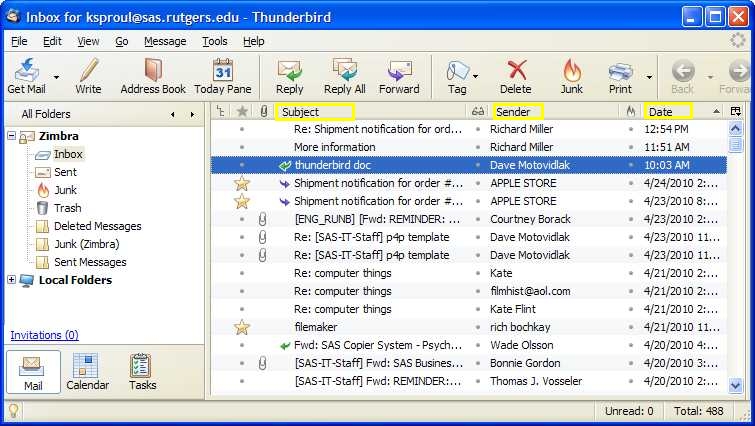
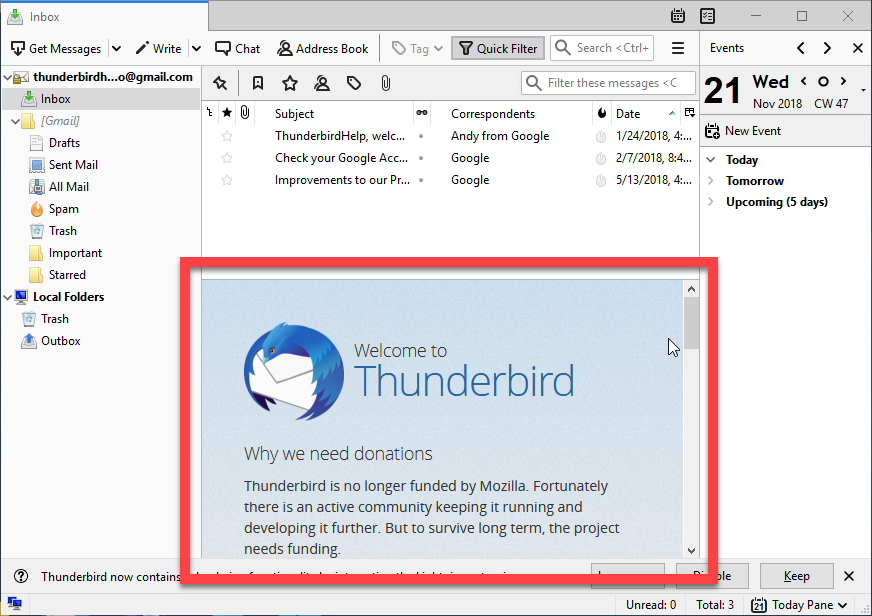
Preparation Email Settings: Make sure your email is setup as POP/POP3 so that you don’t leave any email on the old server during migration. It looks like you are leaving allot of email on the server. Check to be sure your settings are as follows: POP3 Incoming Server...
Blog Category
Want to Learn About Web Design?
Tech Support
WooCommerce Product Add-Ons
Bulk Update WooCommerce Products
Export a product set, filter by Category or all products. Export all columns or choose specific columns such as price. Always include the ID column to update existing products! How to Update Products with a Partial CSV Prepare your CSV file. Your CSV only needs to...
Optimal Keyword Placement and Density to Improve Search Engine Ranking
How to Use WordPress Blog Posts to Improve Search Engine Ranking
How to Use ChatGPT to Write Blog Posts and Boost Your Website’s Search Engine Ranking
Schedule WooCommerce Product Exports with WP Sheet Editor
Search WooCommerce Orders by Company Name
Pivot Tables in LibreOffice Calc
Joining Two Tables in LibreOffice Base
Create Relationships in LibreOffice Base
Basic Queries in LibreOffice Base
Import CSV Spreadsheet to LibreOffice Base
WordPress Admin Bar
Add Simple WooCommerce Product
Bulk Edit WooCommerce Products
Merge Columns in Libre Office Calc
Mastering SEO
Mastering SEO
Writing Blog Posts That Rank on the First Page of Search Results
Scale Image in Gimp
Scale Image in Gimp and Export as jpg
How To Move Thunderbird to a New Computer
How to Move Thunderbird to a New Computer
Thunderbird Troubleshoot Mode
Thunderbird eMail Troubleshoot Mode
WordPress Tags Help SEO
Categories and tags are fundamental features of WordPress. However, understanding the best way to implement them to organize and optimize your posts is a bit more involved than you might think. Categories and tags may not be highly critical for search engine...
How to Change Your Mozilla Thunderbird Email Password
https://support.mozilla.org/en-US/kb/password-manager-remember-delete-change-tb
How to Configure Thunderbird POP SSL Account
***** Be Sure to UN Check Leave Messages on Server*****
Change Nameservers at NetworkSolutions
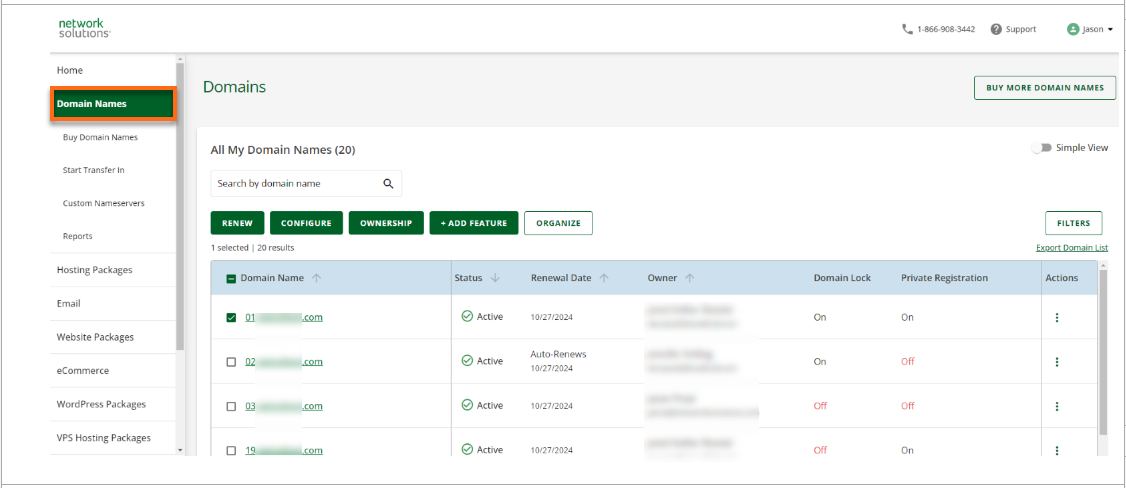
Follow the below steps when you are ready to change or modify the nameservers. Log in to the Account Manager. Select Domains on the left side of the page. Select the domain name you want to change. If you only have one domain, you will be taken directly to the Domain...
WooCommerce Product Add-ons Plugin in Liew of Variations
WooCommerce Add-on Products in lieu of Variables where too many Attribues and Variables would slow down the site and Overload the database. Plugin WooCommerce Product Add Ons For Field or Field Groups for Entire Product Categories Use...
WooCommerce Managing Orders
Managing Orders Orders are created when a customer completes the checkout process, and they are visible to users with Admin and Shop Manager roles only. Each order is given a unique Order ID. Order IDs are non-sequential as they use the default WordPress ID...
Rank Math Meta Tags SEO
Meta tags are text snippets added to a page to tell search engines what the page is about. They are important for SEO, and Rank Math makes it easier to customize meta tags and preview how they appear on search results. Rank Math is a Search Engine Optimization plugin...
Apply the price of a WooCommerce product variation to all variations
If you have a WooCommerce product with a lot of variations that are all the same price, entering/updating the price can be a little frustrating as you must update the price manually for each variation. For a product with three colour and size attributes this is only...